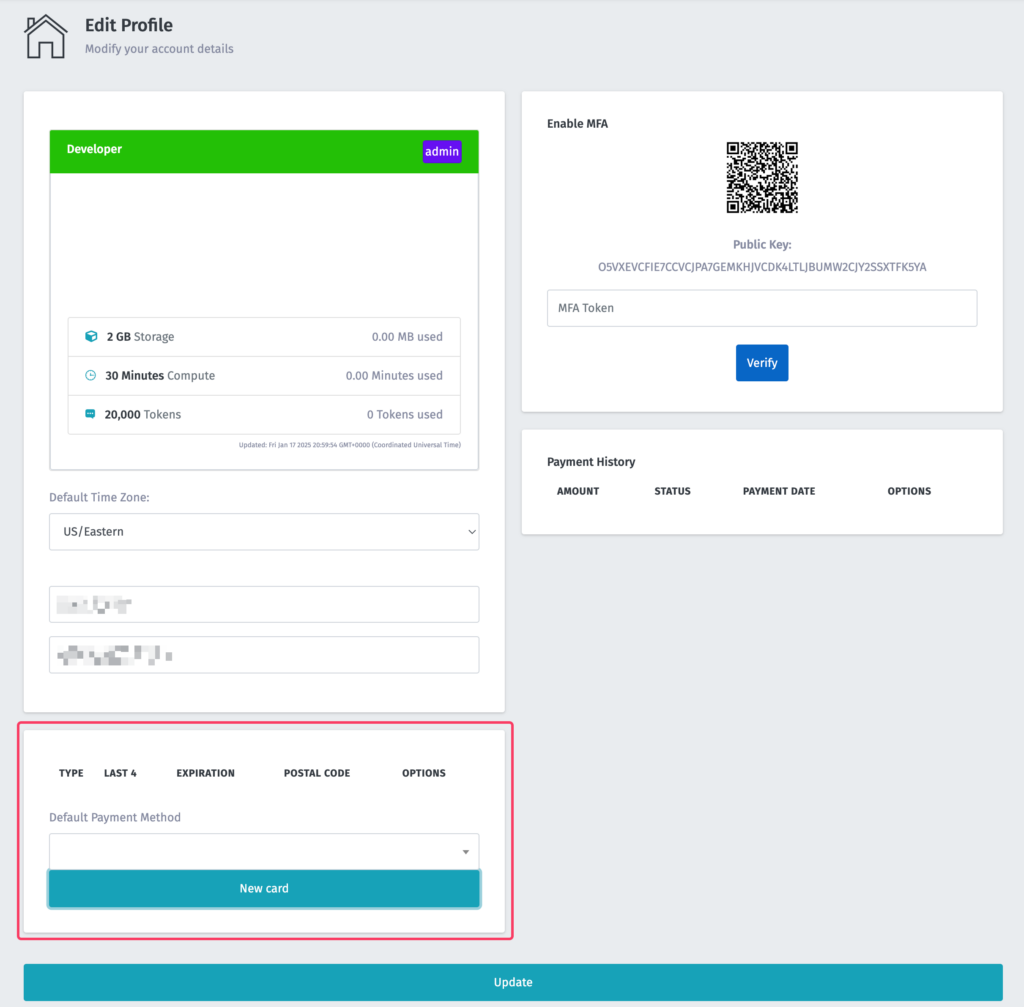
Payment methods are managed via your account profile. To access your account profile, simply click your email address in the top right corner then select Edit Profile.
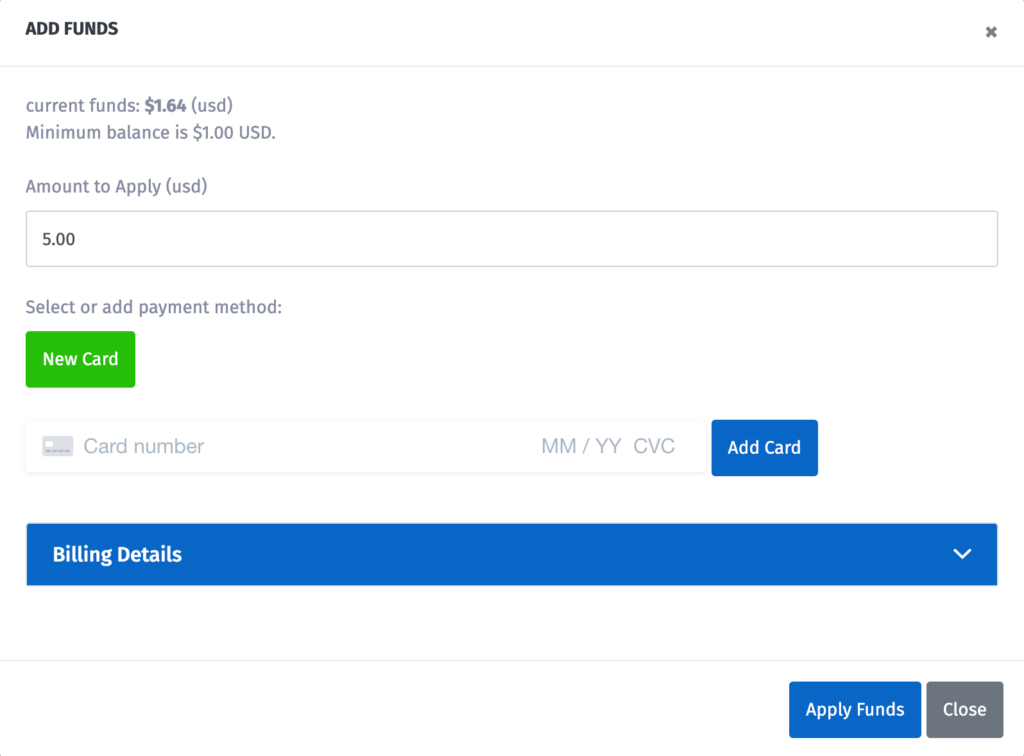
When the Edit Profile panel appears, scroll down to the payment methods box. From here you can add a credit card to your account and select the amount of money you wish to apply.